PhotoWash app icon

Some photos should not be one swipe away.

PhotoWash reads your camera roll, finds the photos you would rather nobody scrolled past, and gets them out of the way.

iPhone · iOS 26 On device · nothing uploaded Background Cleanup · while you are away
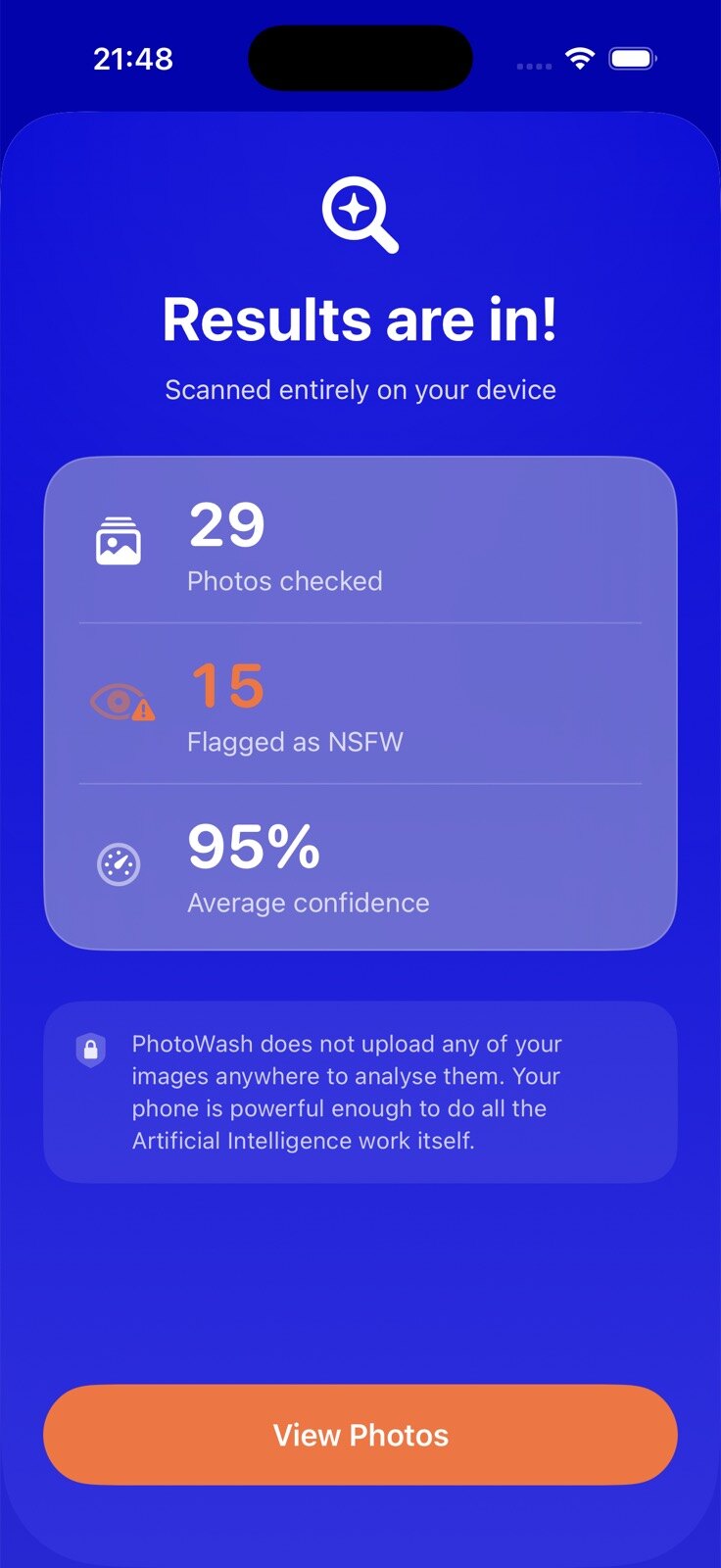
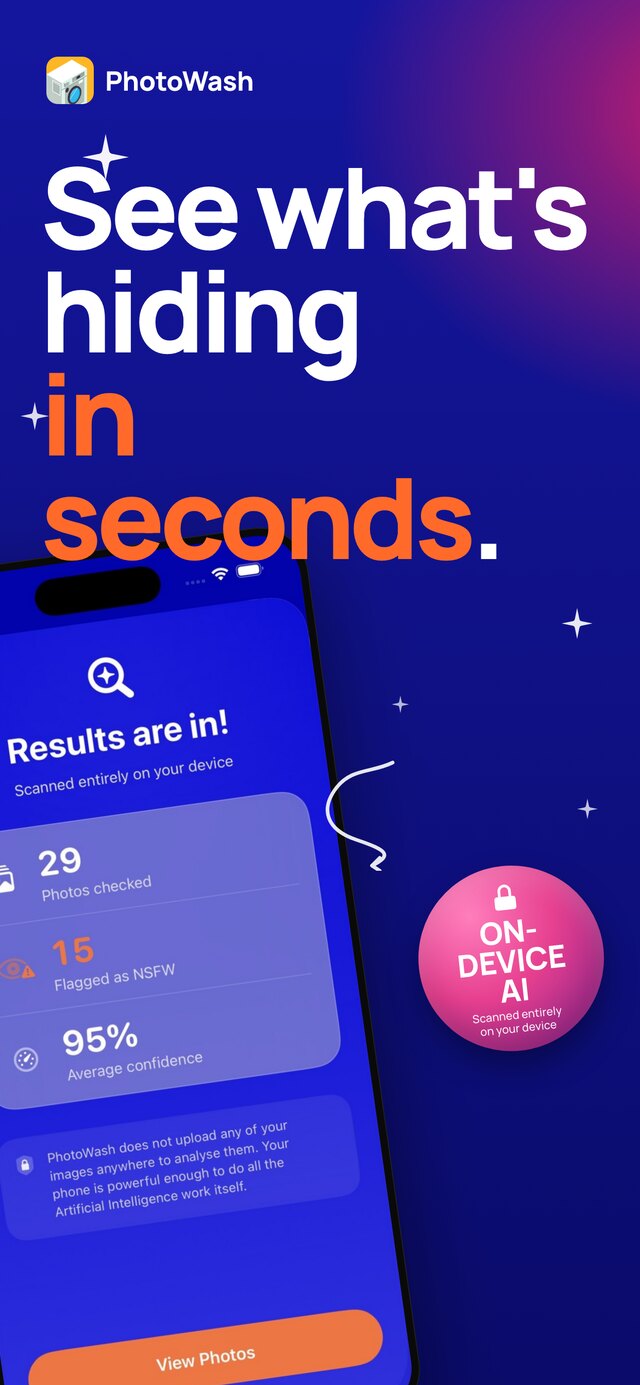
A scan report: 29 photos checked, 15 flagged as NSFW, 95 per cent average confidence
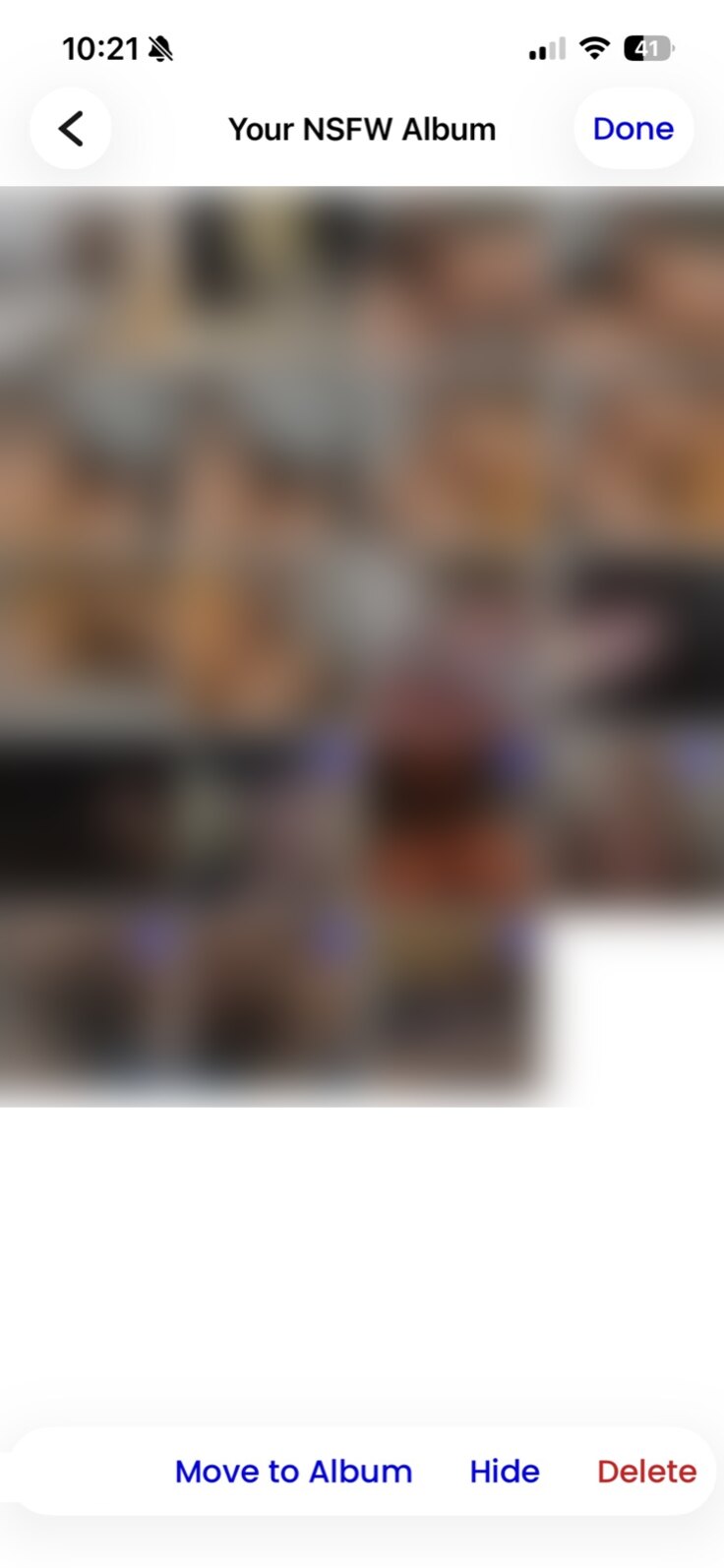
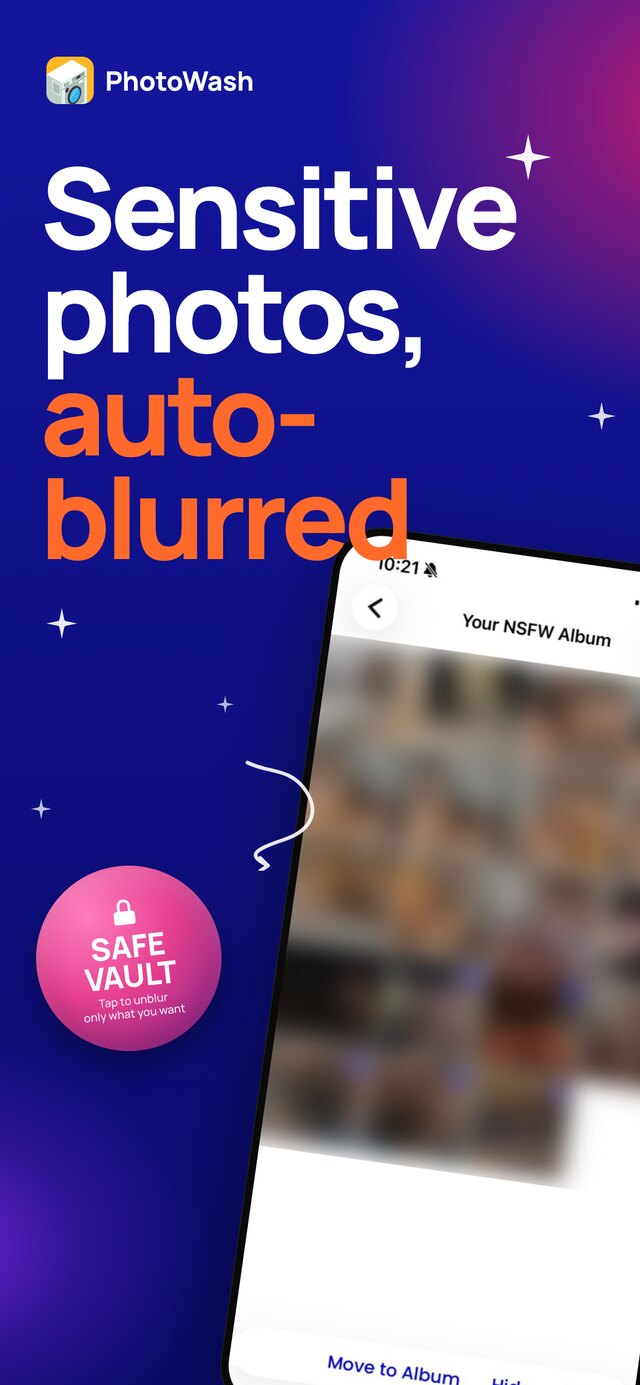
The NSFW album, thumbnails blurred, several selected, with Move to Album, Hide and Delete along the bottom
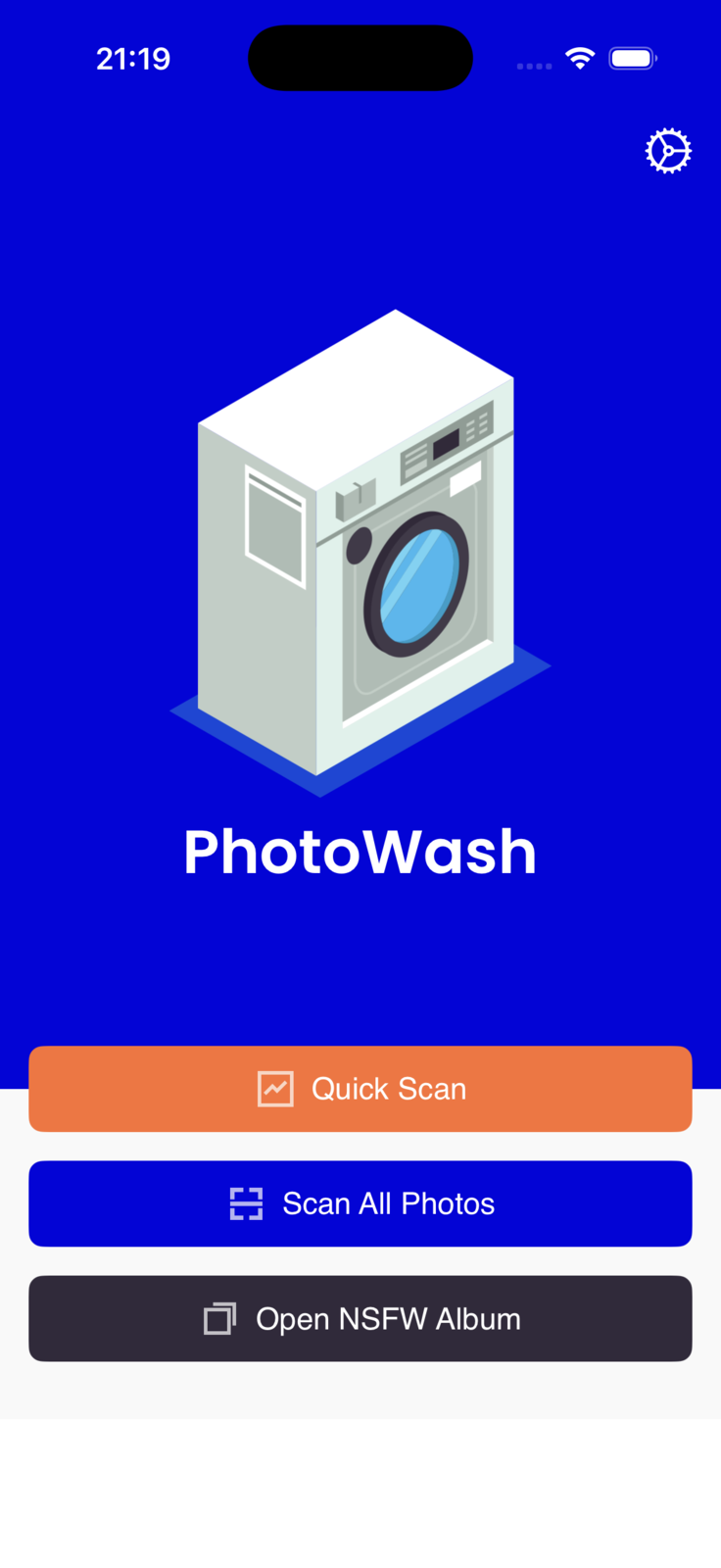
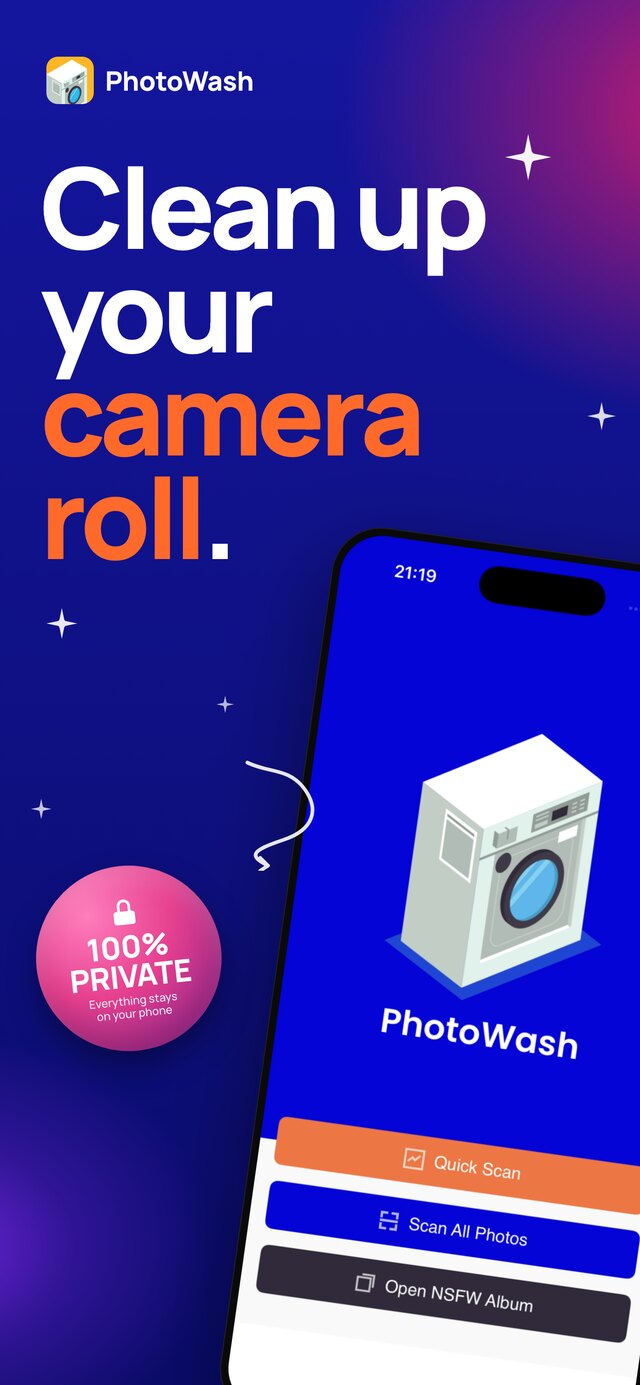
The PhotoWash home screen, offering Quick Scan, Scan All Photos and Open NSFW Album
Background Cleanup

It carries on without you.

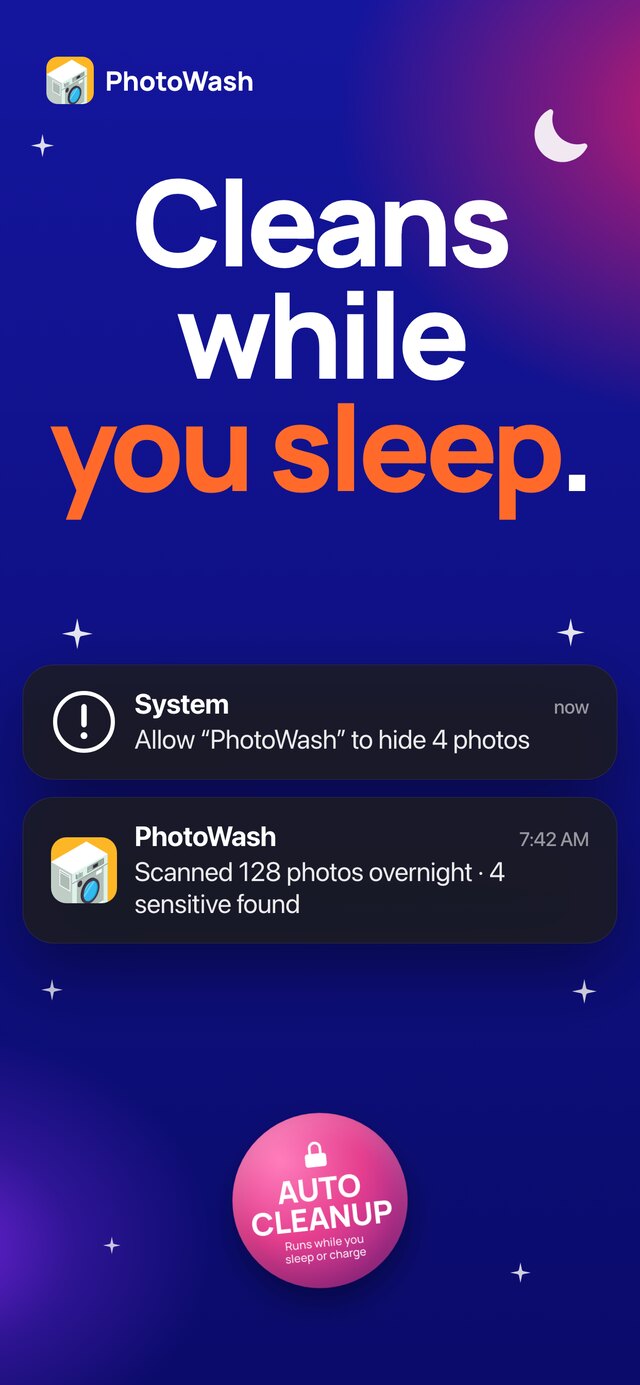
Turn it on once and PhotoWash checks the photos you have taken since the last scan while you are away from the phone, then tells you what it found.

Nothing to remember, and nothing to open.

Cleans while you sleep: an overnight notification saying 128 photos were scanned and 4 sensitive ones found
Clean up your camera roll: the PhotoWash home screen with Quick Scan, Scan All Photos and Open NSFW Album
One tap

The whole roll, or just this week.

Scan All Photos goes through everything you have. Quick Scan looks at the last few days, which is usually the bit that has changed since you last thought about it.

See what is hiding in seconds: a scan report of 29 photos checked, 15 flagged and 95 per cent average confidence
The verdict

How many, and how sure.

You get a count of what was checked, what was flagged and how confident it was, before you look at a single photo.

Sensitive photos, auto blurred: the NSFW album with every thumbnail blurred
Your call

Move them, hide them, or bin them.

Findings go into their own album, out of the main roll, or into Recently Deleted. Select one, drag across a row, or take the lot.

Thumbnails stay blurred until you tap one.

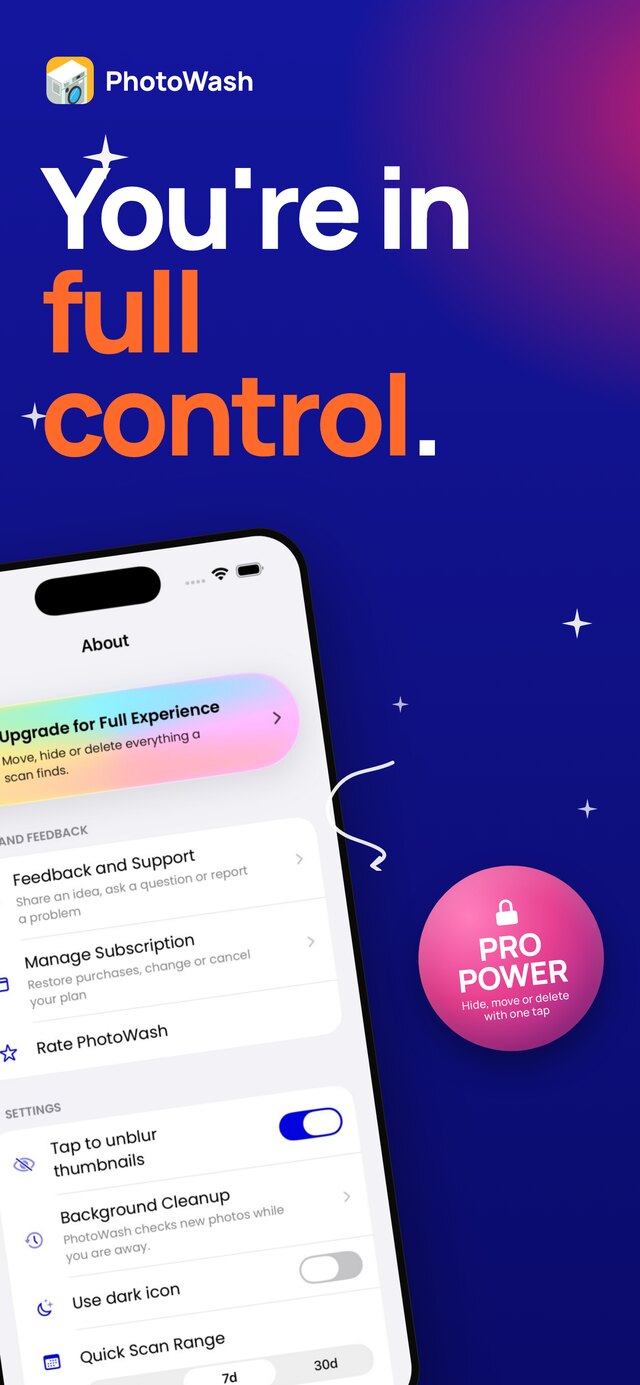
You are in full control: settings showing Background Cleanup, blurred thumbnails and the quick scan range
Your settings

Tuned to how you use it.

Choose whether thumbnails unblur on a tap, how far back a quick scan reaches, and whether the icon on your home screen says what the app is.

The useful bits

Nothing leaves your phone

The photos are analysed on the device itself. Nothing is uploaded, there is no account to create, and there is no server holding a list of what you have.

Free for Ukrainian users

Set your phone to Ukrainian and PhotoWash unlocks everything for free. There is nothing to buy: moving, hiding and deleting all just work.

What it looks for

Nudity and adult content, and the medical photographs that tend to sit alongside them in a camera roll and are nobody else's business either.